Control Plane
Open the portal and sign in
- Go to raisd-student-portal.vercel.app in a current browser (Chrome, Edge, Safari or Firefox) on a computer, tablet or phone.
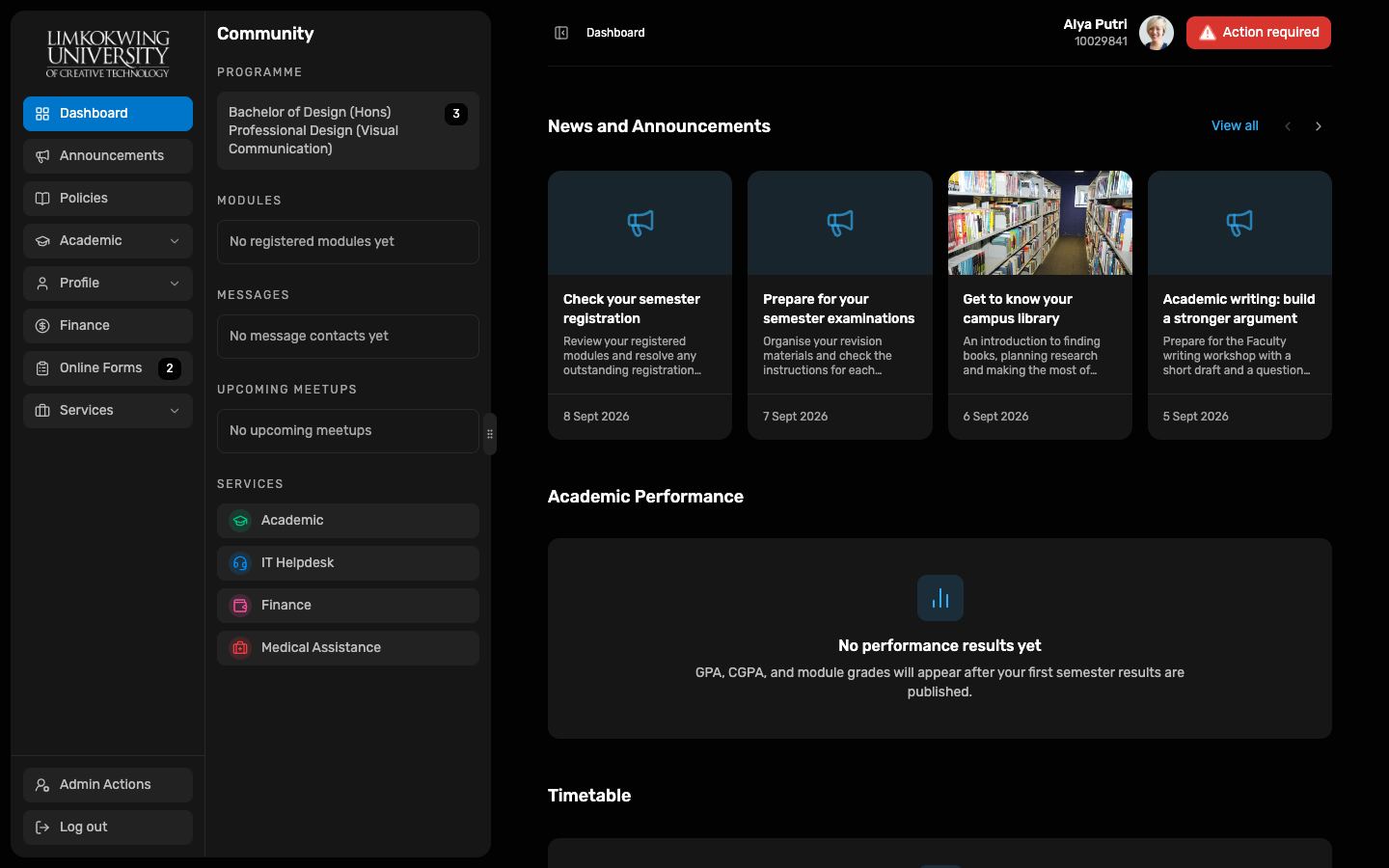
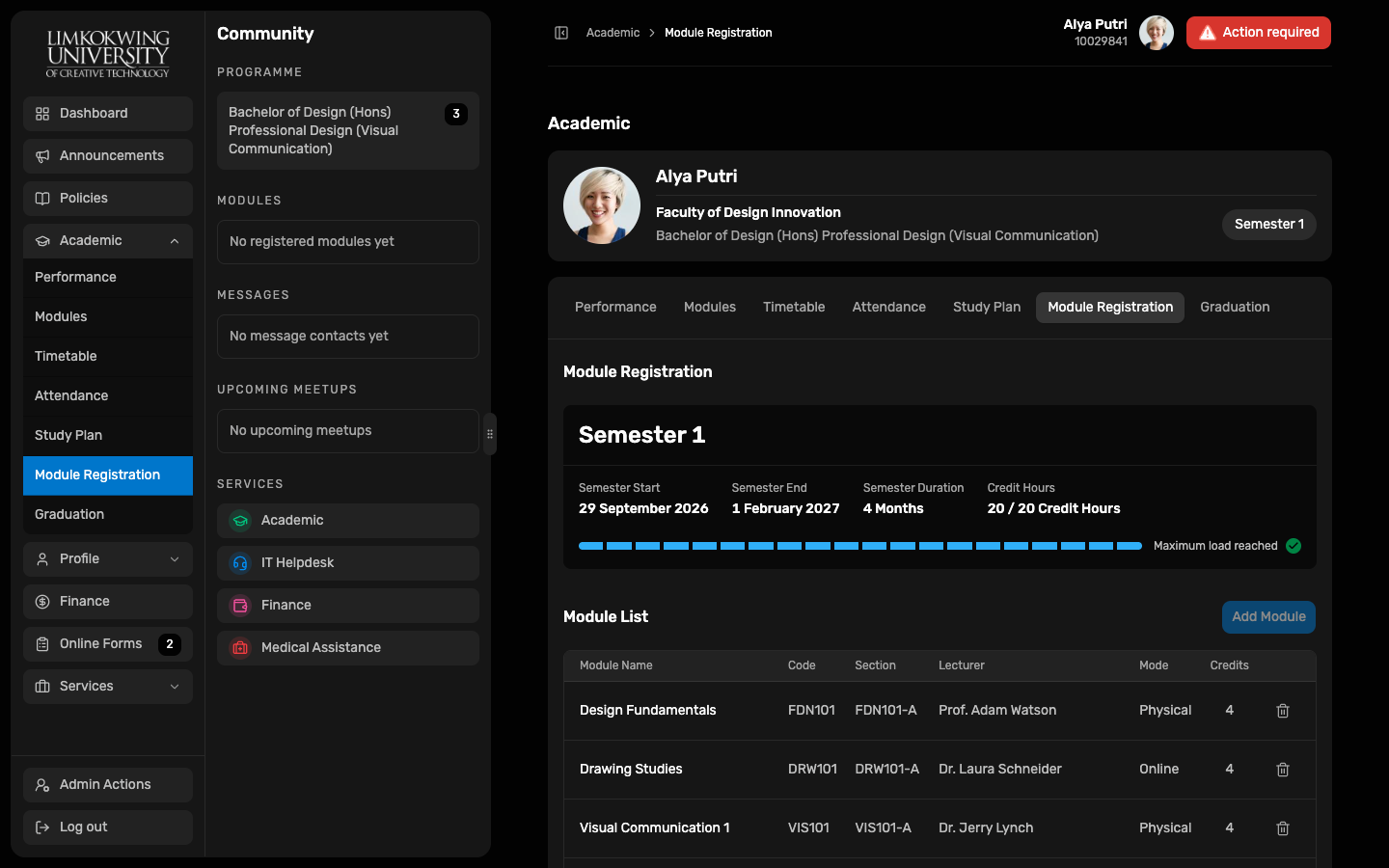
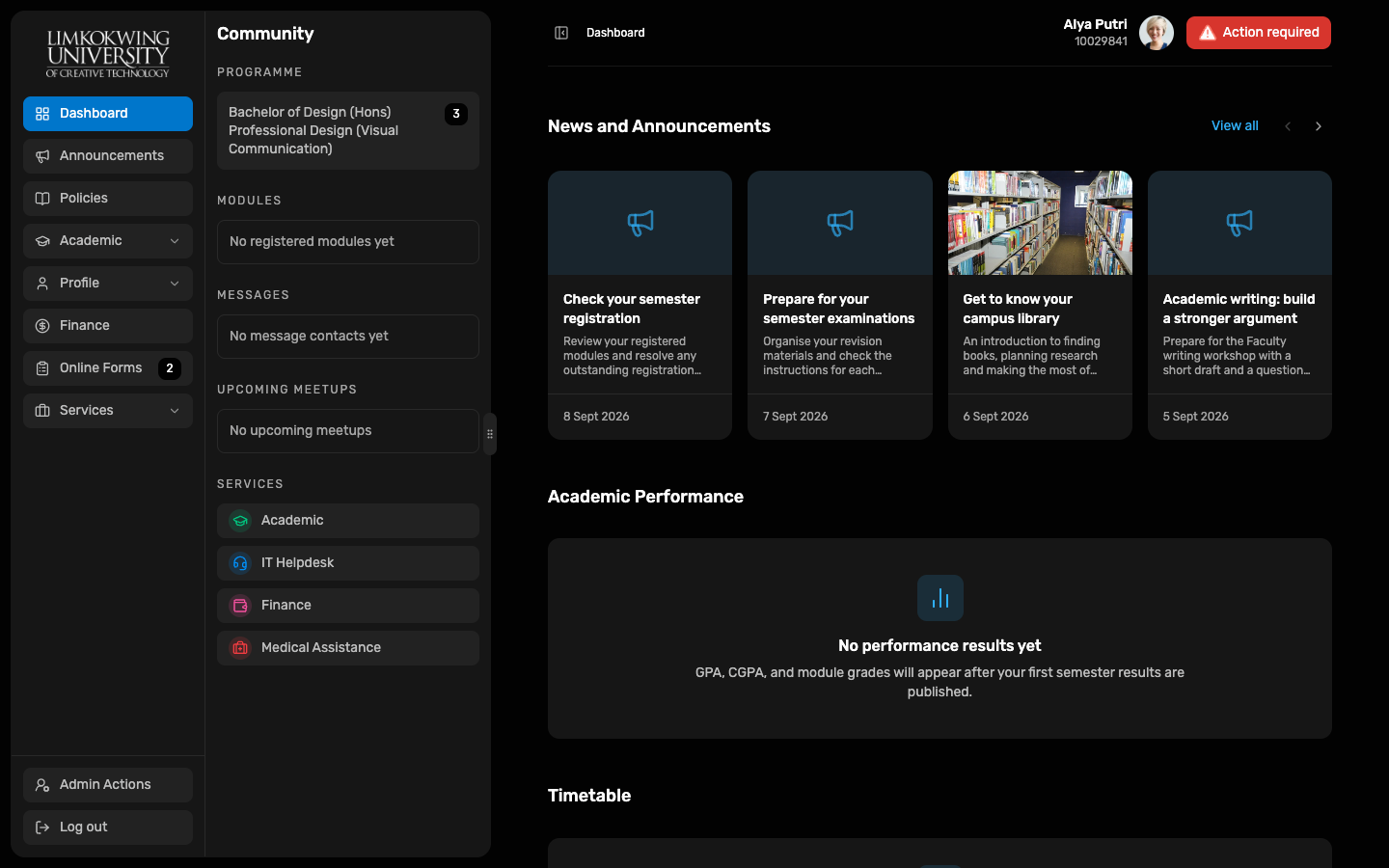
- There is no login screen or password in the Demo. The portal signs you in automatically as a Demo student and opens the Dashboard.
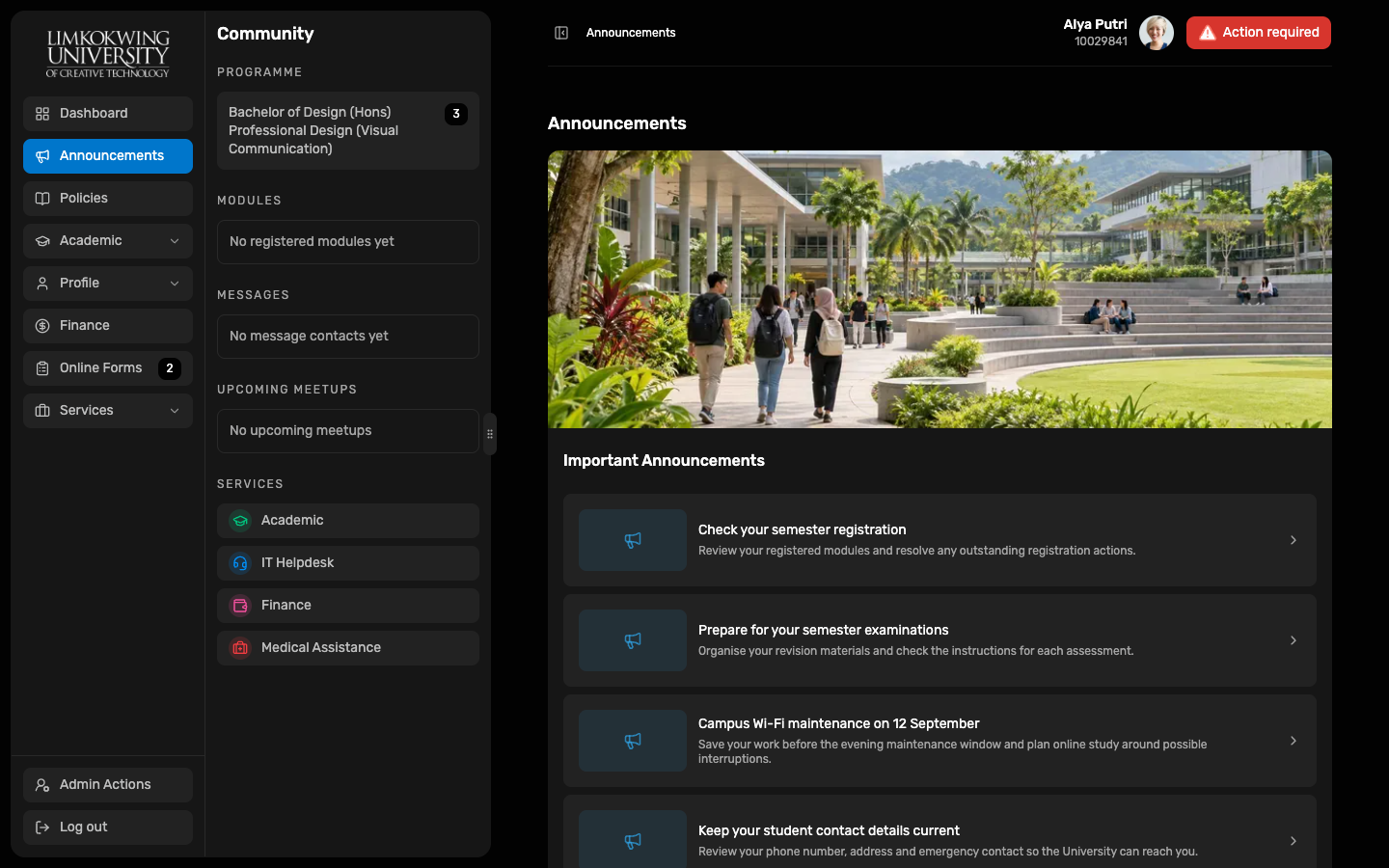
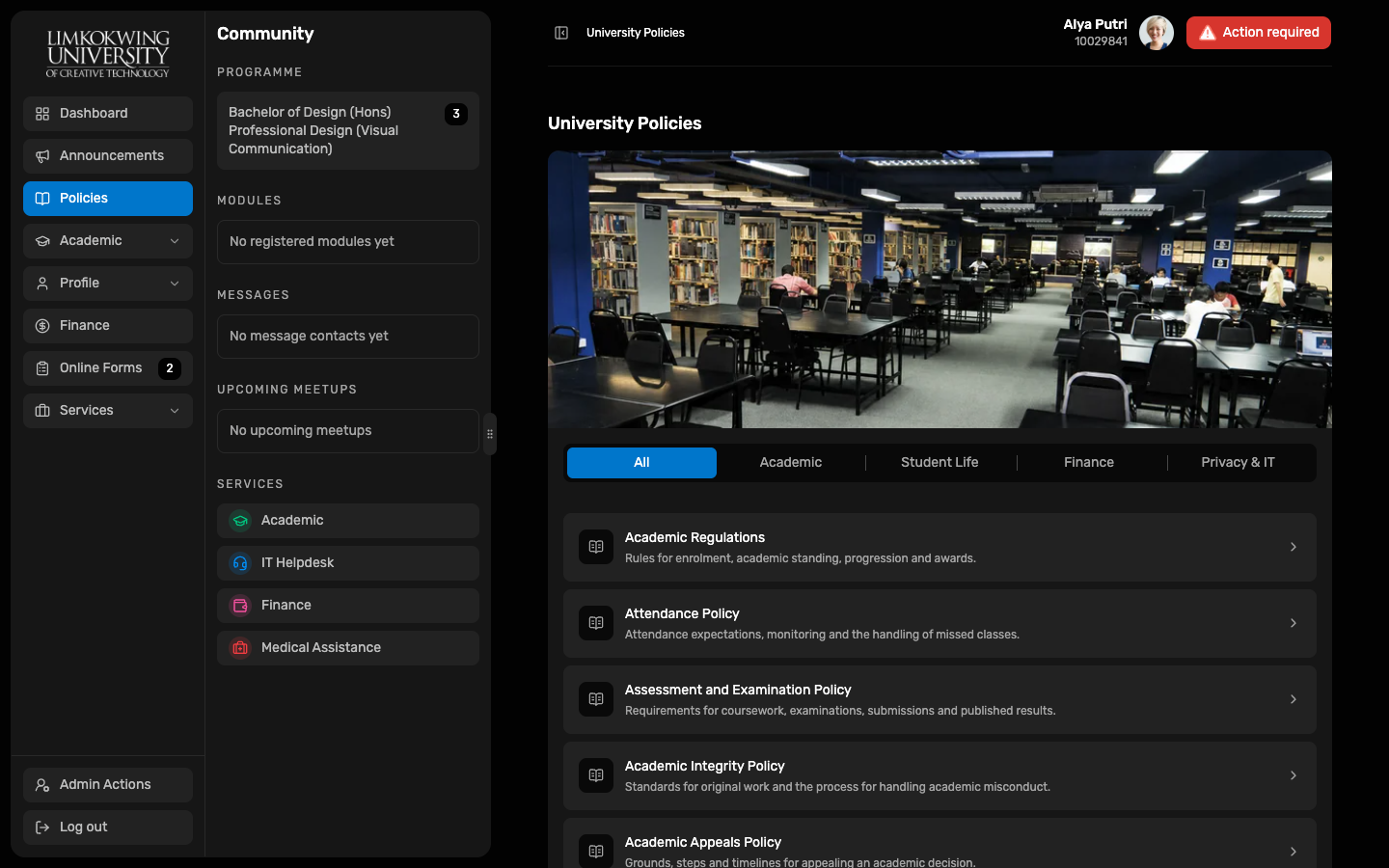
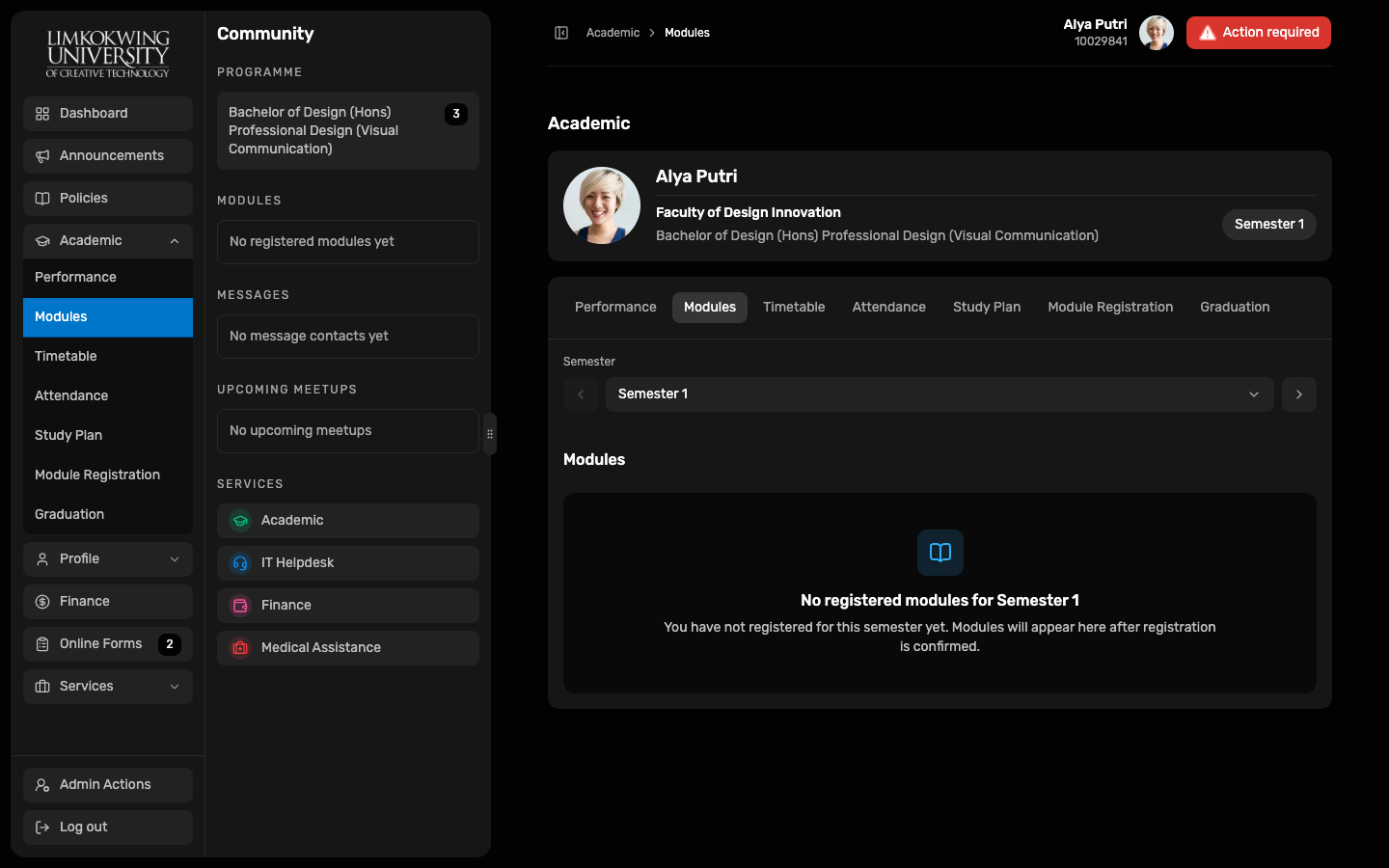
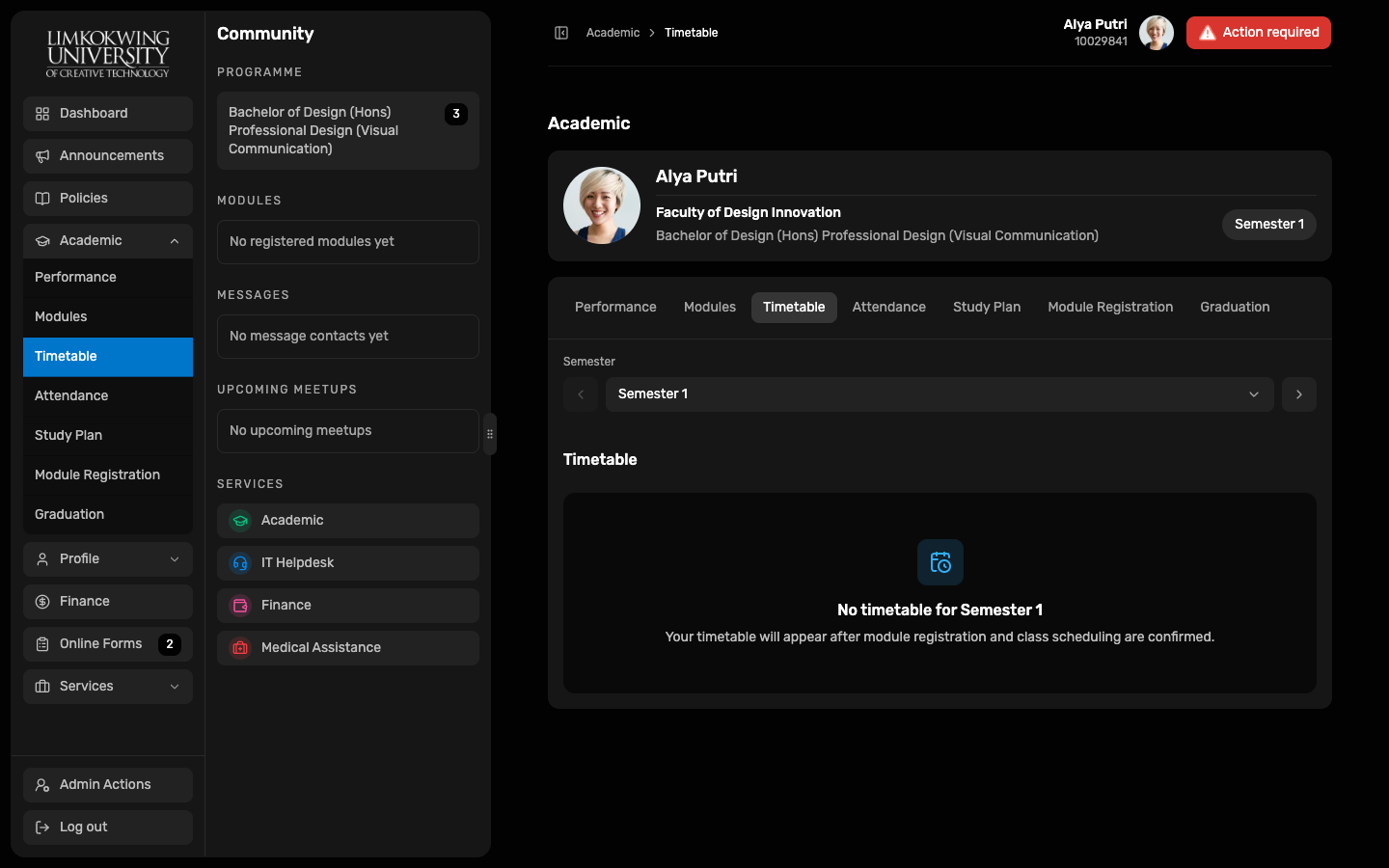
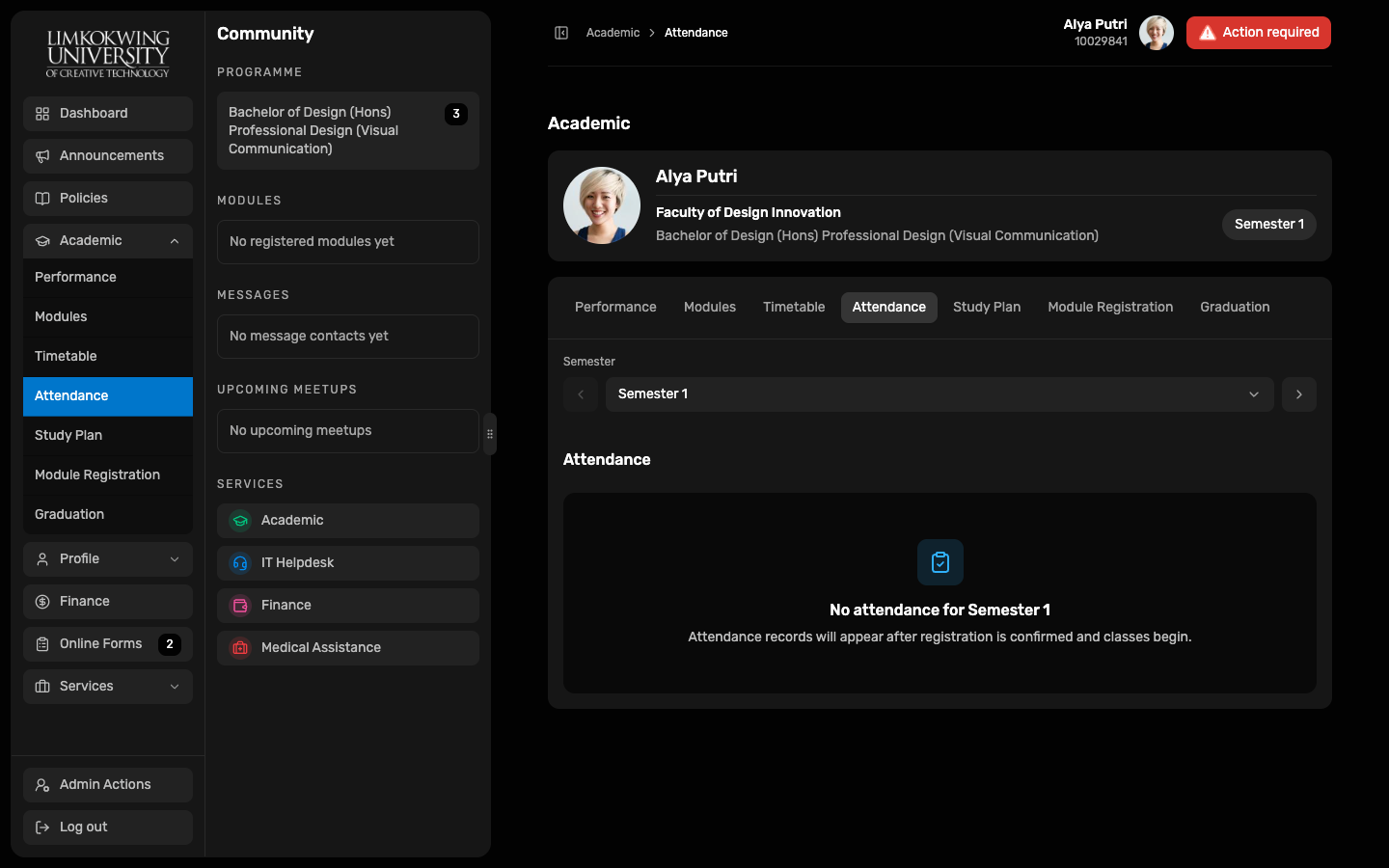
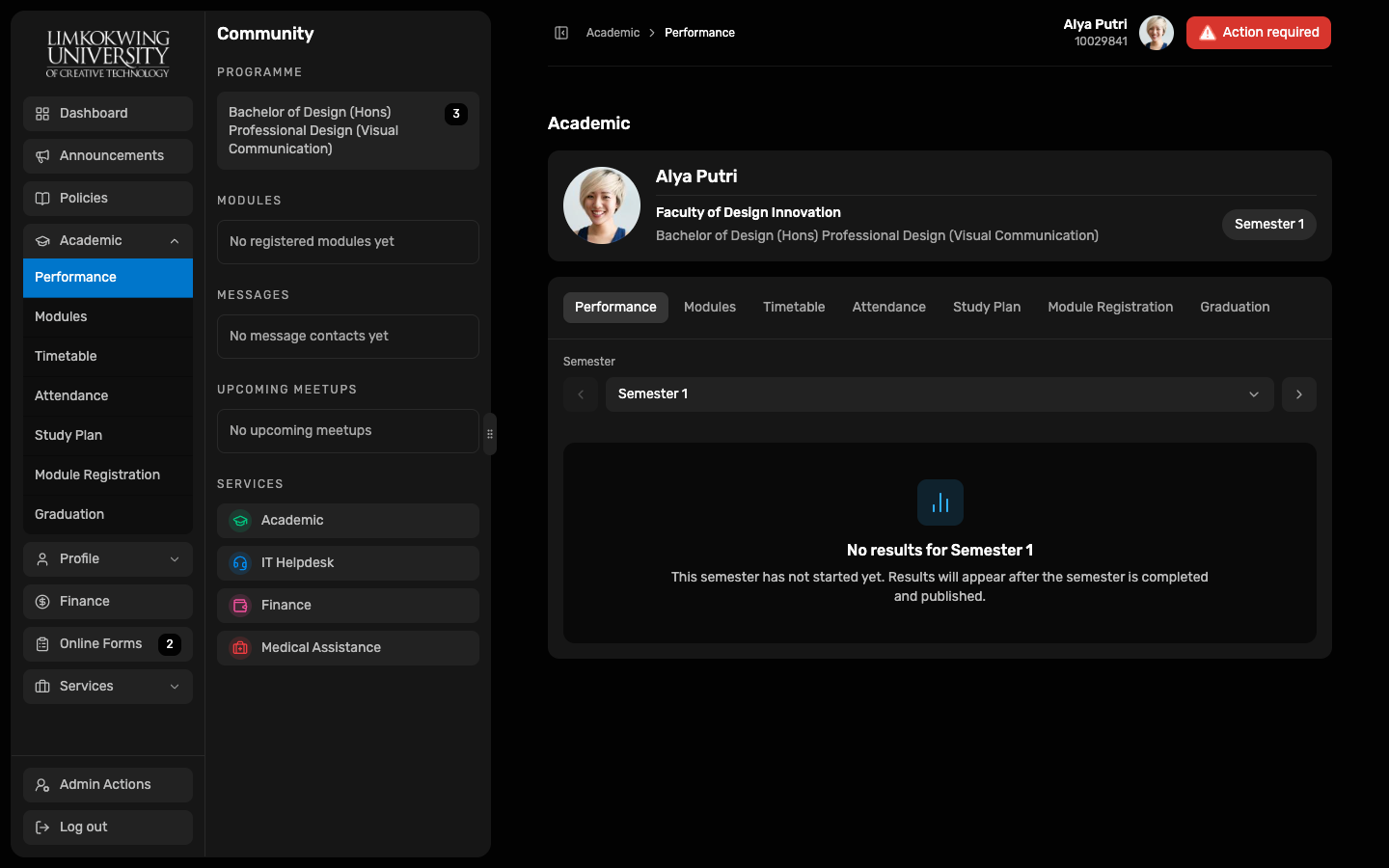
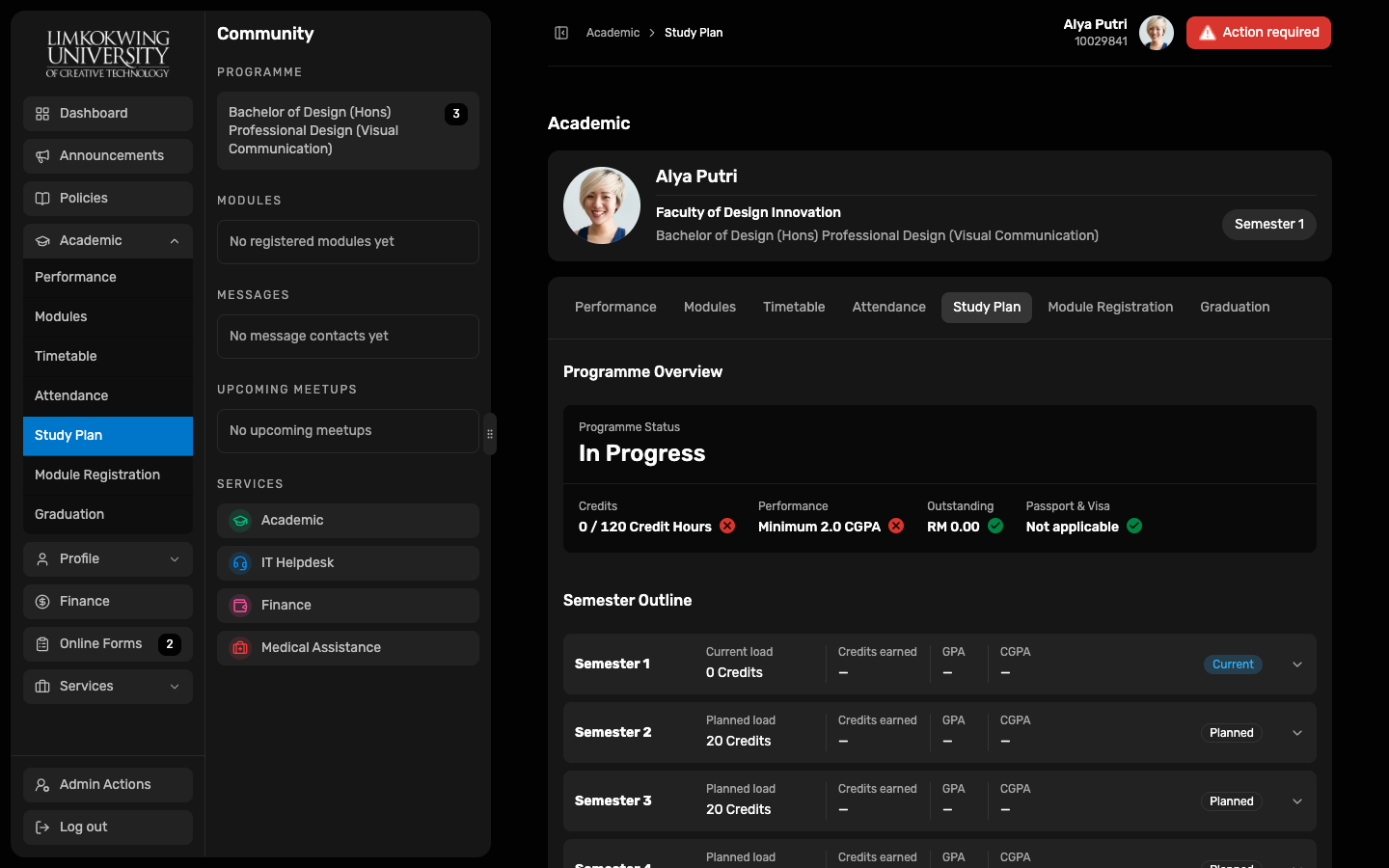
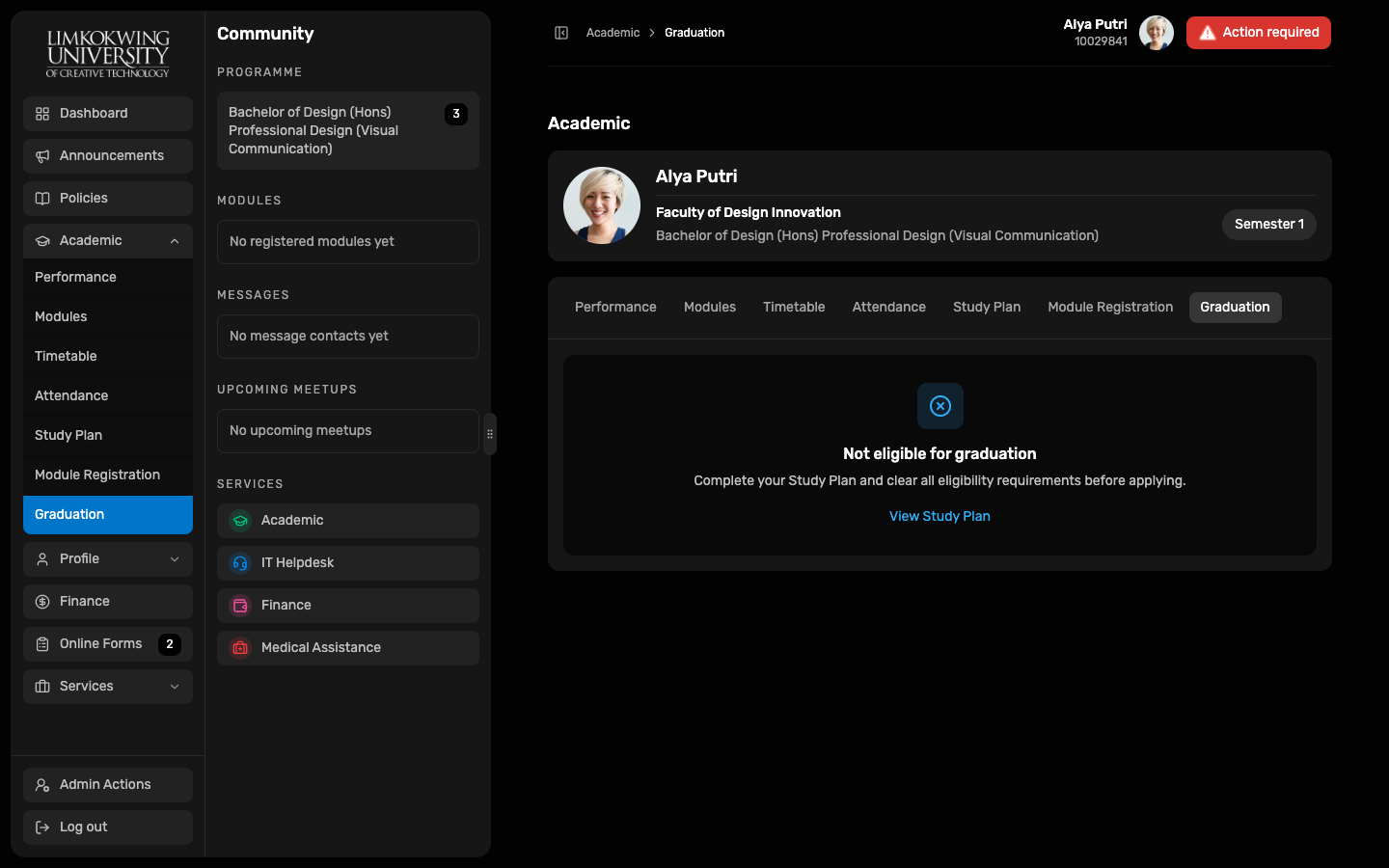
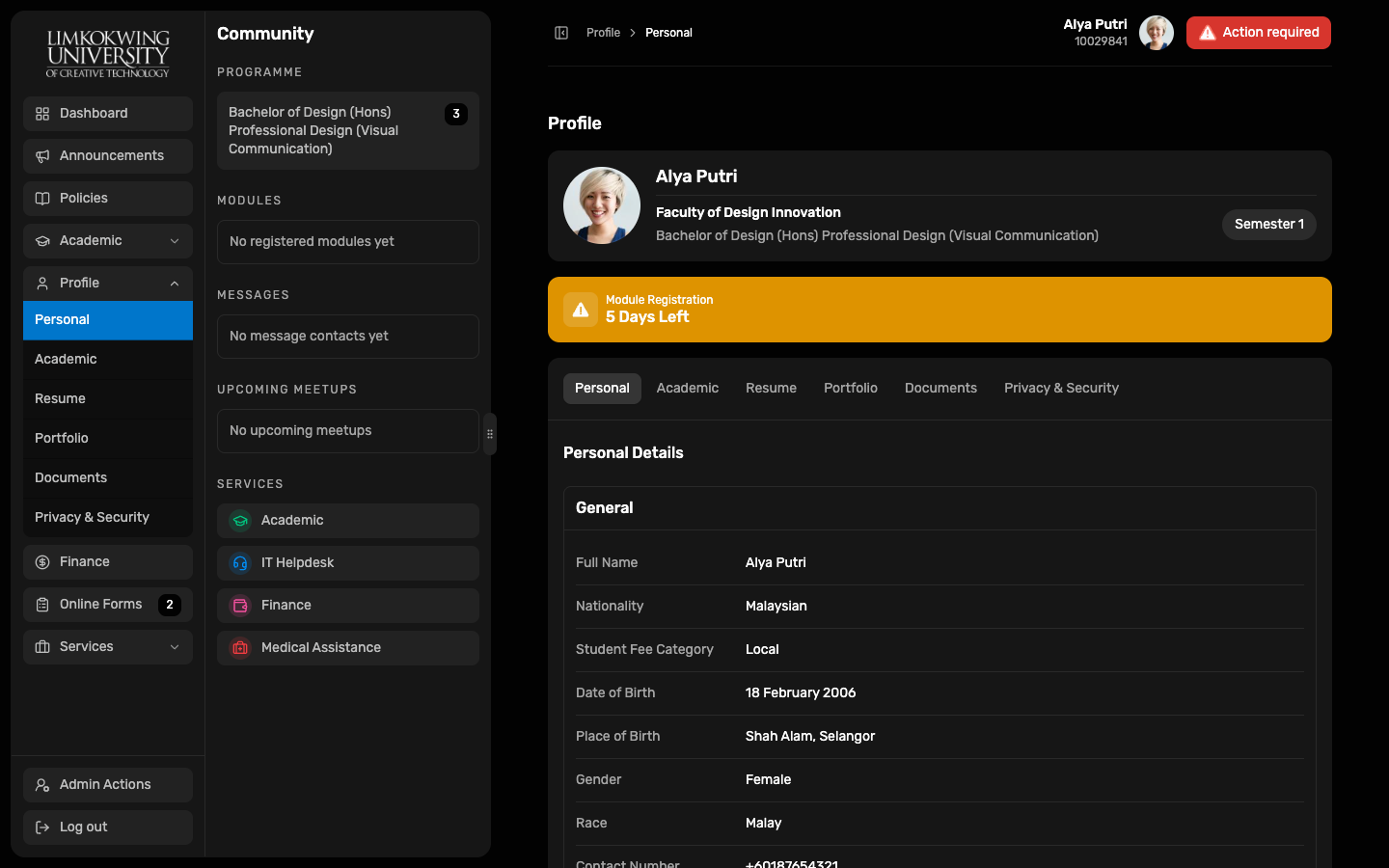
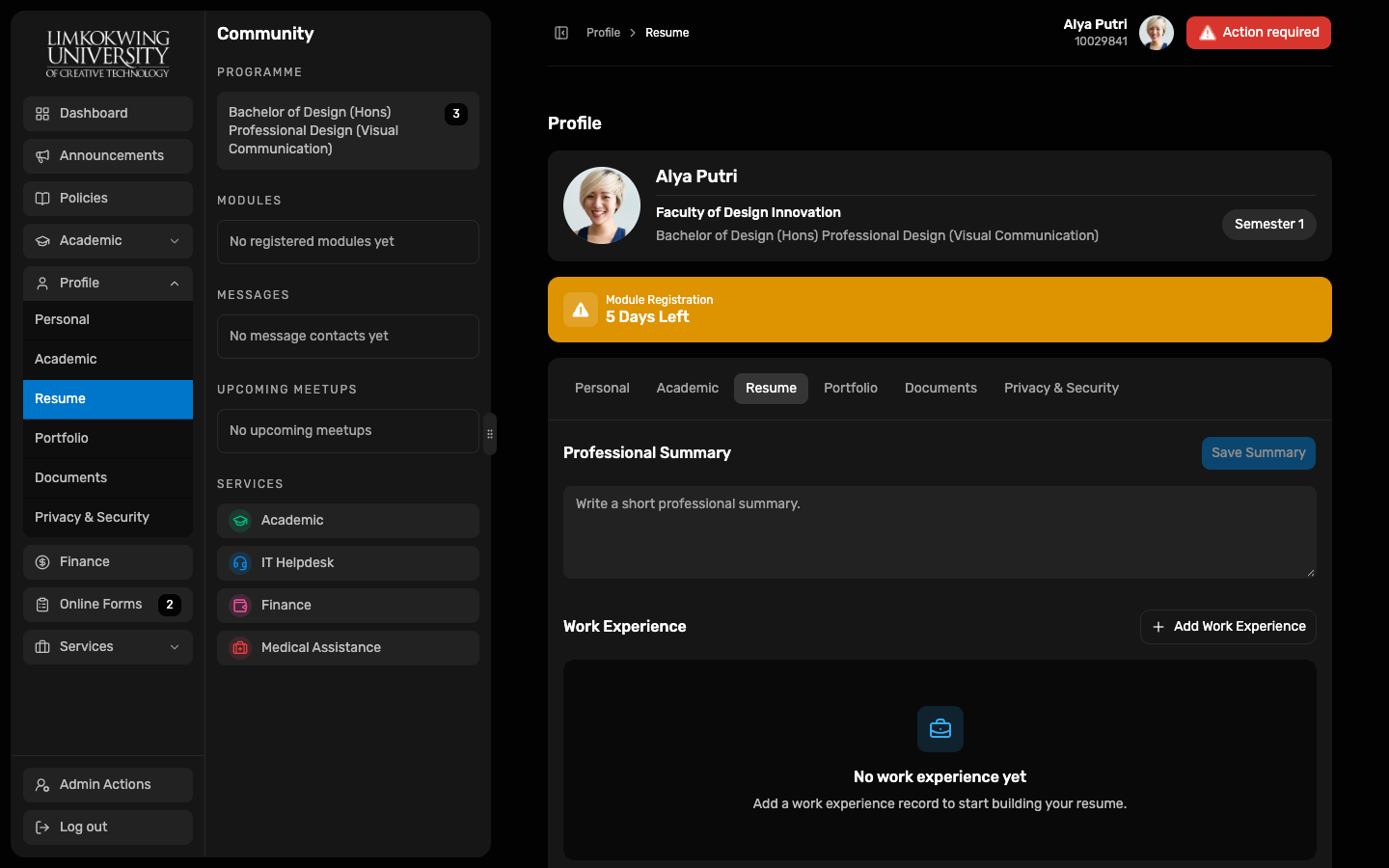
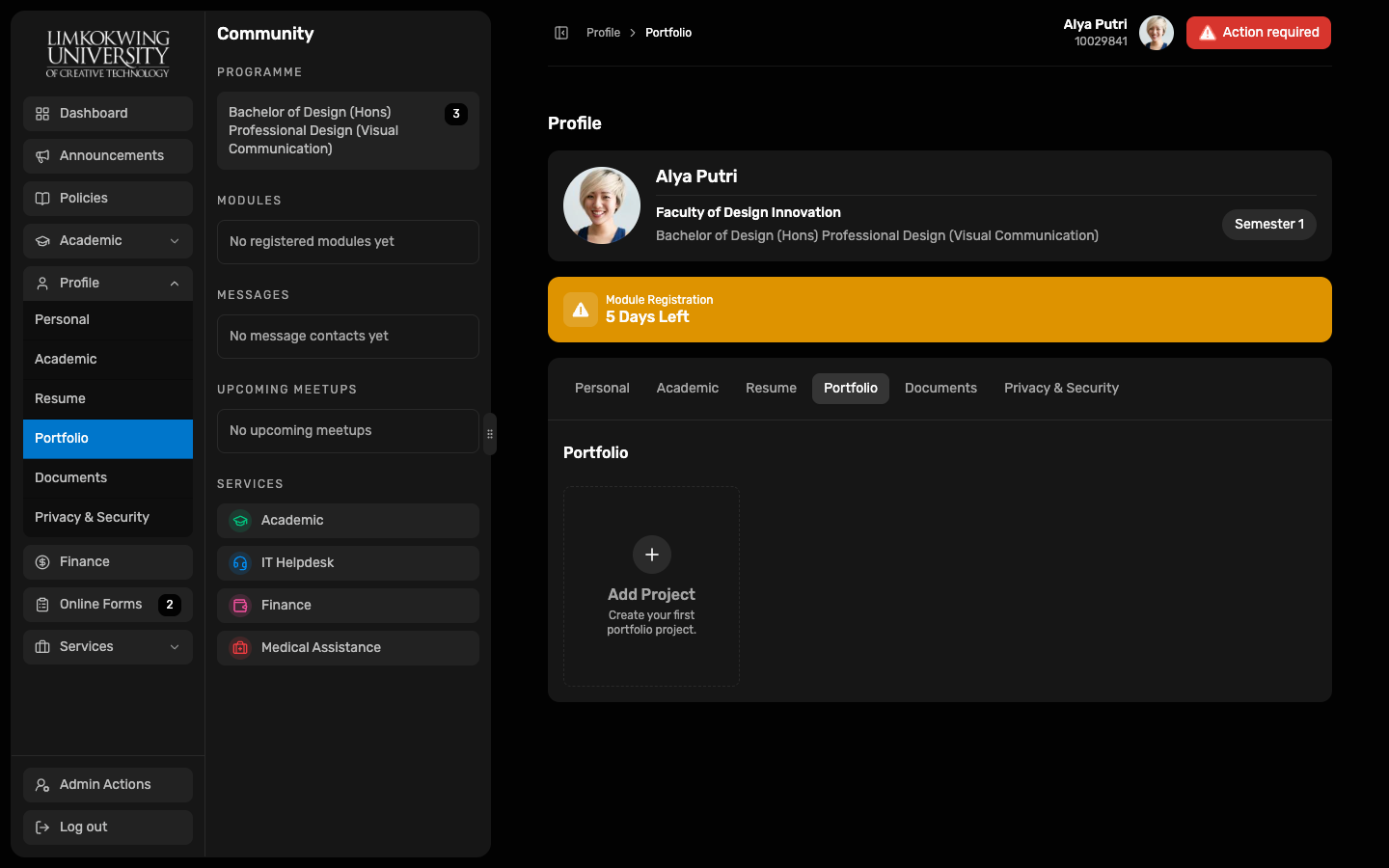
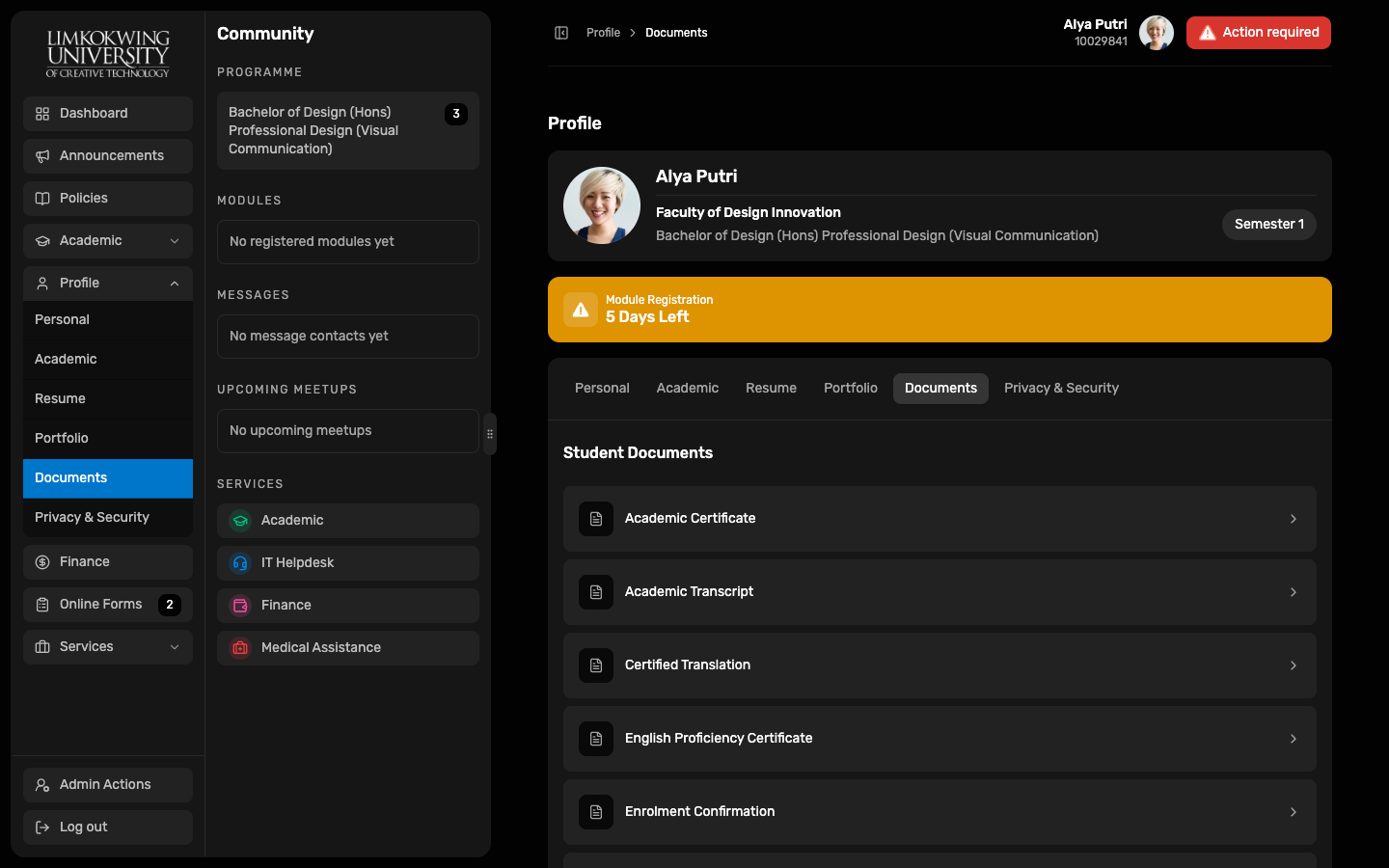
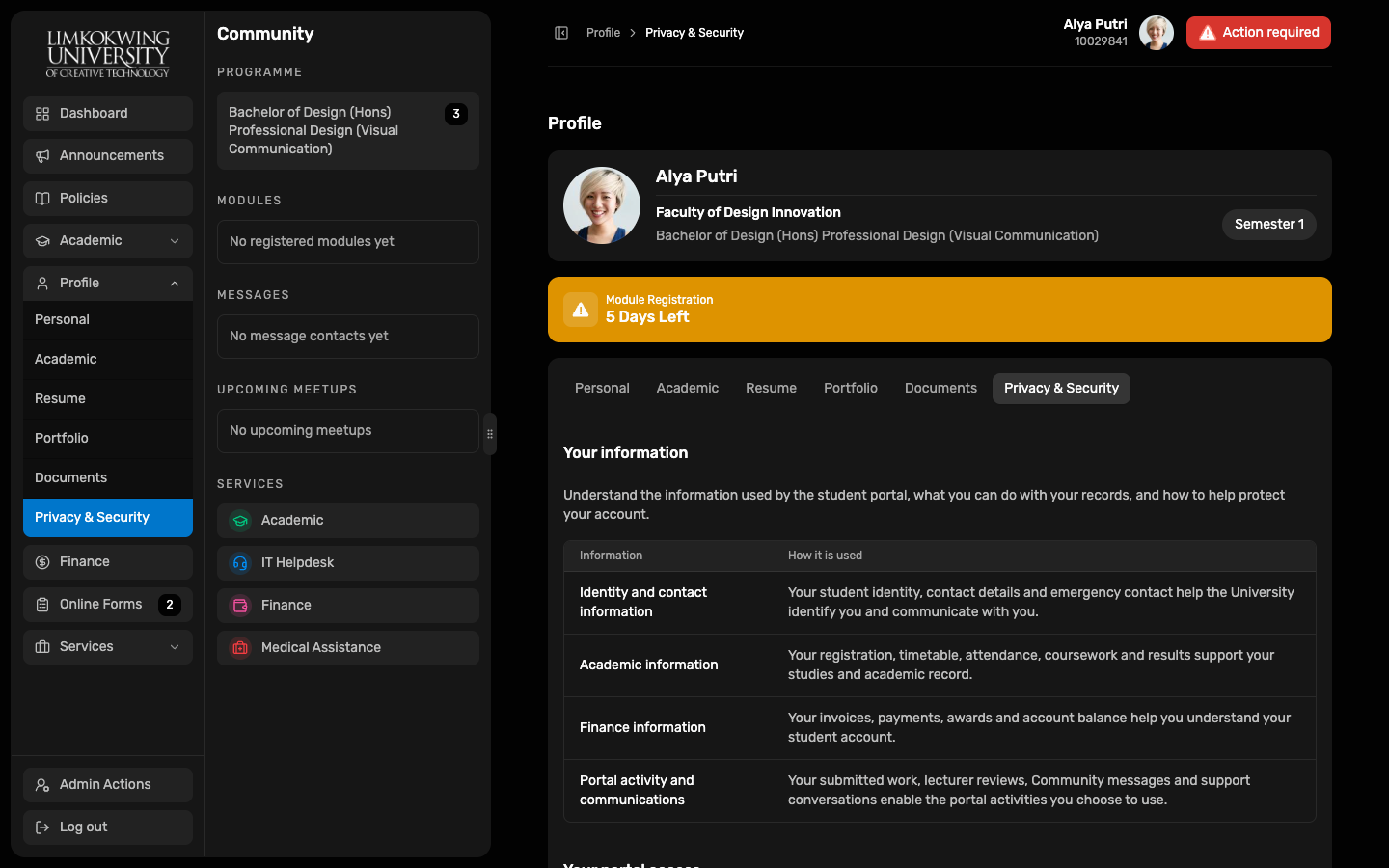
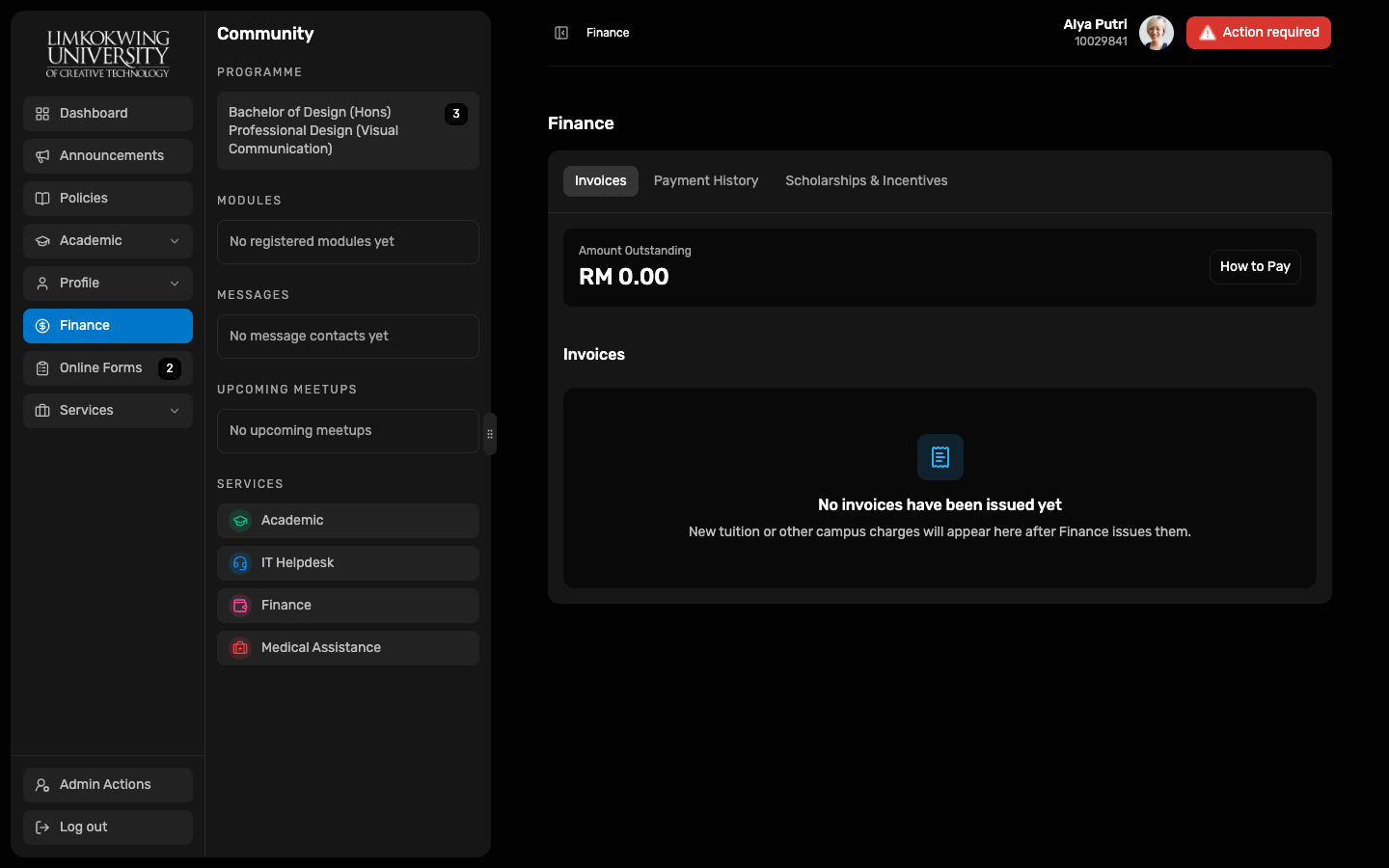
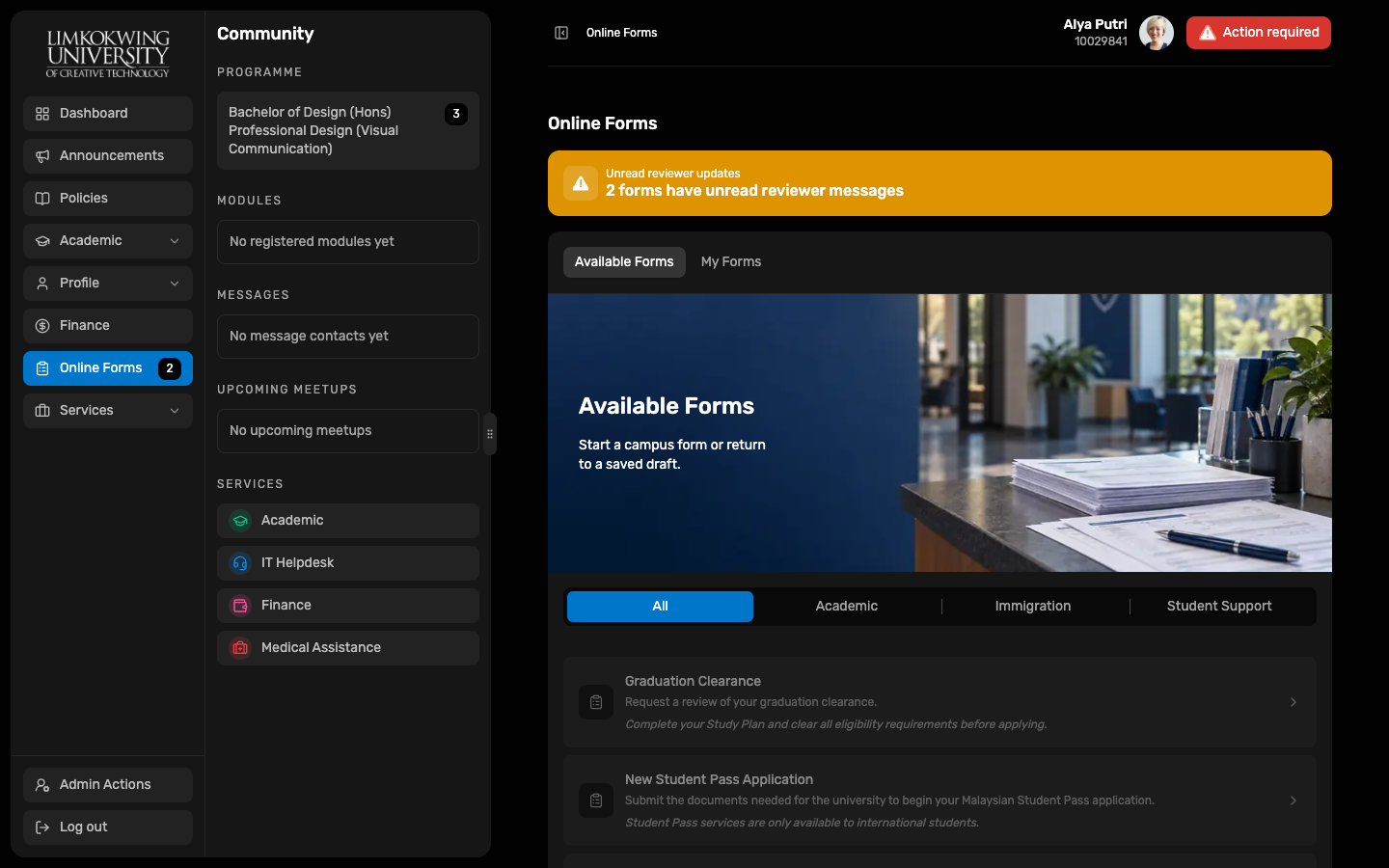
- The hosted Demo signs in as Alya Putri (10029841), a first-semester Local student in Registration Week. Each page load signs in again.
Demo students
The portal ships four Demo scenarios (all Cyberjaya campus). The hosted Demo uses the first one; the others are used by implementers.
| Scenario | Student | Situation |
|---|---|---|
| Registration Week | Alya Putri · 10029841 | New Semester 1 Local student about to register modules. No results, invoices or messages yet; no Immigration menu. |
| New Student Pass | Mei Lin · 10029862 | Enrolled international student preparing a Student Pass application. |
| Mid-programme | Rizal Hakim · 10023456 | International student, three semesters done, Semester 4 in progress, six existing conversations. |
| Graduation ready | Nadia Pratama · 10021015 | International student with a completed study plan (120 credits, CGPA 3.00) and cleared fees; Graduation Clearance is due. |